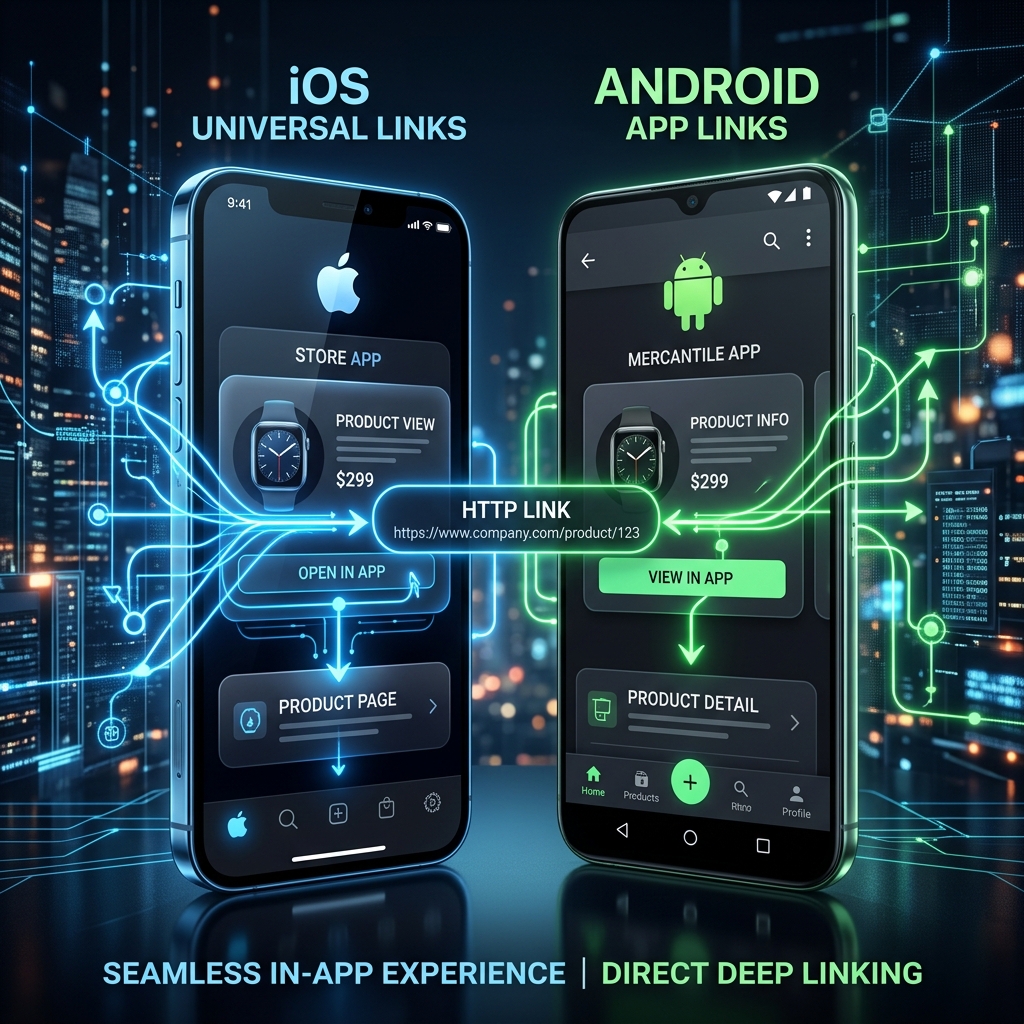
See the Smart Link Transformation
https://spotify.com/track/Qx4R2Y8kM9A
https://linkyt.in/spotify-demo
🎨 creators
Ensuring cross-platform music and podcast links route Apple device users to Apple Music while flawlessly directing Android users to Spotify.
🏢 businesses
Providing seamless app-to-app authentication flows and passwordless magic link logins that work perfectly across both mobile operating systems.
💰 affiliates
Guaranteeing that universal promotional links correctly identify the host OS and route shoppers to the appropriate localized app store if the app is missing.
Technical Comparison: iOS Universal Links vs Android App Links
| Technical Requirement | iOS Universal Links (Apple) | Android App Links (Google) |
|---|---|---|
| Verification File | apple-app-site-association (AASA) | assetlinks.json |
| Hosting Location | /.well-known/ directory (HTTPS) | /.well-known/ directory (HTTPS) |
| Fallback Mechanism | Opens in Safari web view automatically | Opens in Chrome web view automatically |
| Custom URI Support | Deprecated for public routing | Supported but secondary to App Links |
Try generating a smart link below
Test the instant native app routing engine for yourself. No login required.
In the early days of mobile app development, developers relied on custom URI schemes (such as `instagram://` or `spotify://`) to launch mobile applications. While simple, custom URI schemes suffered from a fatal security flaw: any app could claim any custom scheme, leading to app hijacking and broken user experiences if the app was not installed.
To resolve this, Apple introduced Universal Links in iOS 9, and Google followed with App Links in Android 6.0. Both protocols fundamentally transformed mobile routing by turning standard HTTP/HTTPS web URLs into secure, verified deep links.
How Domain Verification Works
The core security mechanism behind both Universal Links and App Links is two-way cryptographic verification. When a user installs your mobile app, the operating system reaches out to your verified web domain and checks a specific JSON configuration file hosted in your `/.well-known/` directory.
If the app ID matches the cryptographic fingerprints listed in your web association file, the operating system grants the mobile app exclusive permission to intercept web clicks for that domain, ensuring an instant, secure native app launch.
Ready to stop losing clicks?
Join thousands of creators and developers who rely on Linkyt for flawless app deep linking and calendar-accurate analytics.
Create Free Smart Link →